A speech-to-text transcription API can provide the words that start a caption workflow, but a readable transcript is not automatically a usable caption track. Captions must appear at the right time, remain understandable within the available space, and preserve information that listeners would otherwise hear. Treat recognition output as an input to editorial and timing work, not as a finished accessibility feature.
This guide proposes an export pipeline for developers working with recorded media. It focuses on a clear internal segment model, WebVTT serialization, and checks you can automate before human review. The Speech to Text Transcription API page introduces the broader workflow. The examples here describe an application design rather than the response format of a particular transcription provider.
Decide what you are publishing
Define whether the destination needs a plain transcript, timed captions, or both. A plain transcript can support reading and searching without keeping every sentence synchronized to playback. A caption track must work while the media is running. A descriptive transcript may also need relevant visual information. Assign responsibility for each deliverable before you select a recognition configuration or export format.
Write acceptance criteria for the actual viewing experience. Can viewers read the text on a small screen? Do changes occur at understandable moments? Are speaker changes clear when they matter? Does the text avoid covering essential visual content? A file can parse successfully while still failing those editorial checks, so syntax validation and user review should remain separate stages.
Preserve a stable timed-segment model
Store timing values in a single documented unit inside your application. Integer milliseconds are one practical option. Keep the source media identifier, transcript version, segment identifier, start time, end time, text, and any speaker label separate. Do not mix display strings with numeric timing fields. That separation makes sorting, validation, and later serialization less error prone.
Preserve the raw provider response separately from your normalized representation when your retention policy permits it. A provider may return word-level timing, utterance-level timing, or neither. Your adapter should report what is available rather than pretending that estimated boundaries are measured ones. When you create new cue boundaries, record that they are an editorial transformation of the original timing data.
Understand the destination format
The W3C WebVTT specification defines a text-track format with a file signature, timed cues, optional identifiers, and cue payload text. A cue contains start and end timestamps separated by an arrow. This format-level reference supports the serialization details here; it does not certify the accessibility or editorial quality of any captions you create.
For a simple exporter, begin with a deliberately small supported subset. Produce a valid WebVTT header, blank-line separation, numeric timestamps, and plain cue text. Add styling or positioning features only when the destination player supports them and your tests cover them. A straightforward file that behaves predictably is more useful than an elaborate export whose rendering changes unexpectedly between players.
A minimal illustrative cue
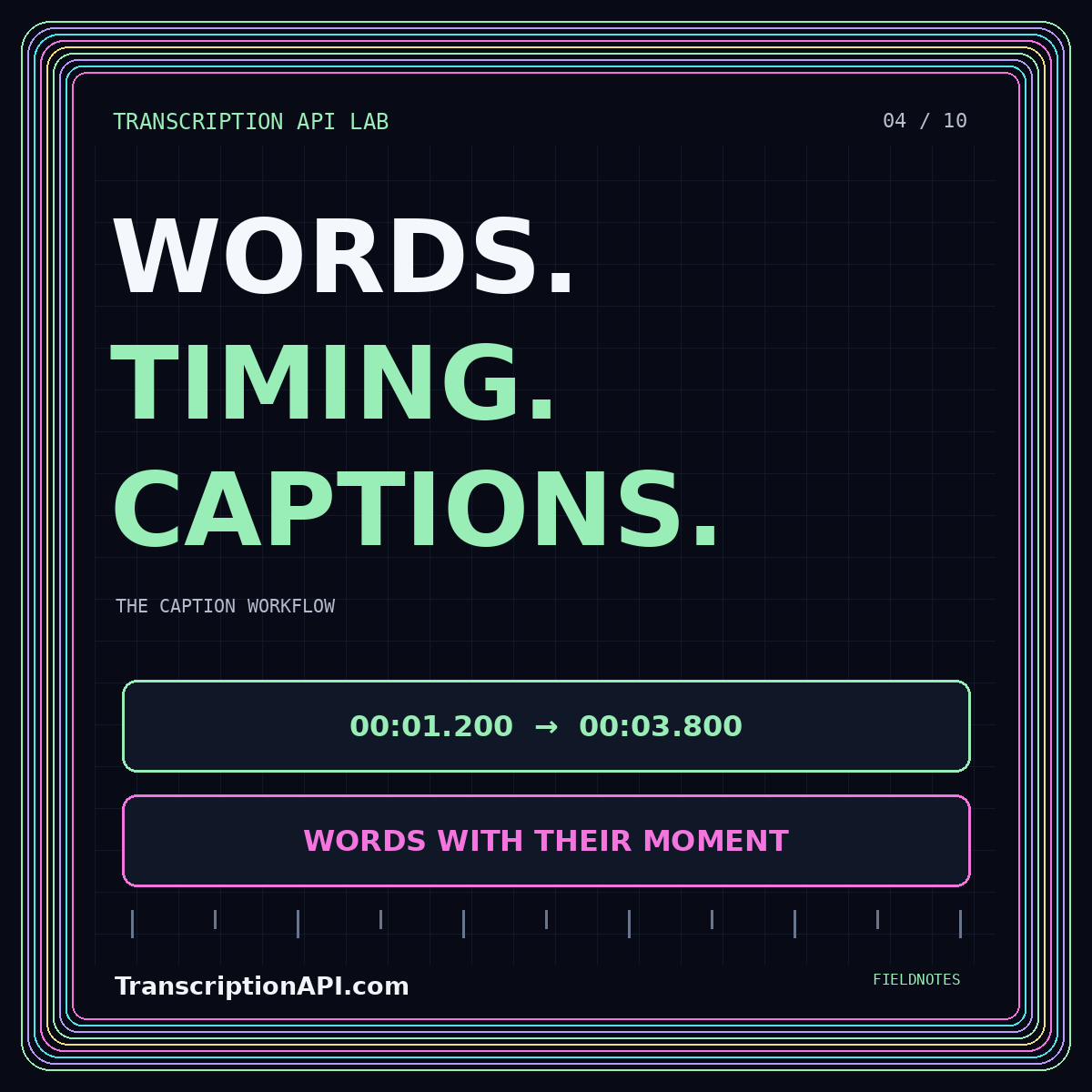
A small cue could start at 00:00:01.200 and end at 00:00:03.800, with the text “Let's review the recording.” Those values are invented for this example. The exporter should create its timestamps from the internal timing fields, not by copying unrelated display text. Always test the file with the actual media player and recording it is intended to accompany.
Keep fractional-second formatting consistent. Avoid accidentally treating seconds as milliseconds or rounding each conversion independently. Test values around minute and hour boundaries, as well as very short intervals. A timestamp formatter that works for the first few seconds can still fail later in a long recording. Unit tests should include those boundary cases before you process a substantial archive.
Segment speech for reading
Do not assume that a provider's segment boundaries are ideal caption boundaries. A recognition segment may be too long for a comfortable display, or split a phrase awkwardly. Review where sentences, clauses, and speaker turns occur. Create a written editorial policy for line breaks and cue length, then test it with the audience, content, and player you are designing for.
Avoid turning every word into its own rapidly changing cue merely because word timestamps are available. Likewise, avoid displaying a paragraph for an entire minute. The goal is to support reading alongside the media. Choose sensible boundaries, inspect the result during playback, and allow an editor to adjust them without altering the preserved machine transcript or the source recording.
Retain meaningful sound and speaker information
Recognition output may not contain all the information needed by someone who cannot hear the recording. Give editors a way to add relevant non-speech descriptions and clarify speaker changes. Keep those additions distinguishable in your data model from words recognized by the API. This helps reviewers understand which parts came from speech recognition and which required editorial judgment.
Use speaker labels consistently without inventing identities. A neutral label can be more accurate than a guessed name. When an editor supplies a confirmed name, retain the relationship between that display name and the underlying speaker grouping. For the related problem of preparing a readable, untimed version, see the text-to-words terminology and transcript guide.
Validate structure before playback review
Check that every cue has a start time earlier than its end time and that neither time is negative. Confirm that timing falls within the associated media duration, allowing only explicitly documented exceptions. Flag unexpected overlaps and large gaps for inspection rather than automatically assuming all of them are errors. Some content requires simultaneous information, but accidental overlap is still worth detecting.
Validate text encoding and characters that have special meaning in the export format. Use a tested serializer or a carefully scoped escaping routine instead of concatenating untrusted text into markup. A speaker's words should not become a control sequence. Keep a fixture containing punctuation, accented characters, markup-like strings, and multiple writing systems that are relevant to your product.
Review captions against the final media
Run the caption review against the same media version that will be published. An introduction added after transcription shifts every later cue unless you explicitly account for it. Store a media version or checksum with the caption export so that a mismatch can be detected. Do not rely on a shared filename to prove that two copies have identical timing.
Inspect the beginning, middle, and end, then review passages with interruptions, rapid speech, multiple speakers, and important visual information. Use keyboard controls and test a narrow viewport. Have reviewers verify both the words and the viewing experience. A technically valid track can still contain an incorrect name, an unreadable cue, or a timing drift that only becomes clear during playback.
Publish versions, not silent replacements
Give every approved export a version tied to the reviewed transcript and media. When a correction is made, regenerate the affected outputs and record what changed. Keep enough history to identify which version a user saw, while following your retention rules. Avoid silently replacing the source text in one destination while leaving an older caption file active elsewhere.
Check delivery as well as content. Confirm that the player can fetch the caption track, that language labels are accurate, and that the transcript link is easy to find. Test the published URL rather than only a local preview. A perfectly edited file has no practical value when a missing asset, incorrect path, or player configuration prevents people from accessing it.
Conclusion: make the last mile explicit
A strong caption workflow separates recognition, segment editing, format validation, playback review, and publication. Each stage has a clear input and an inspectable output. Begin with a simple export format and expand only when the destination requires it. The goal is not merely to produce a caption file, but to deliver text that remains faithful, synchronized, and usable in the real viewing experience.