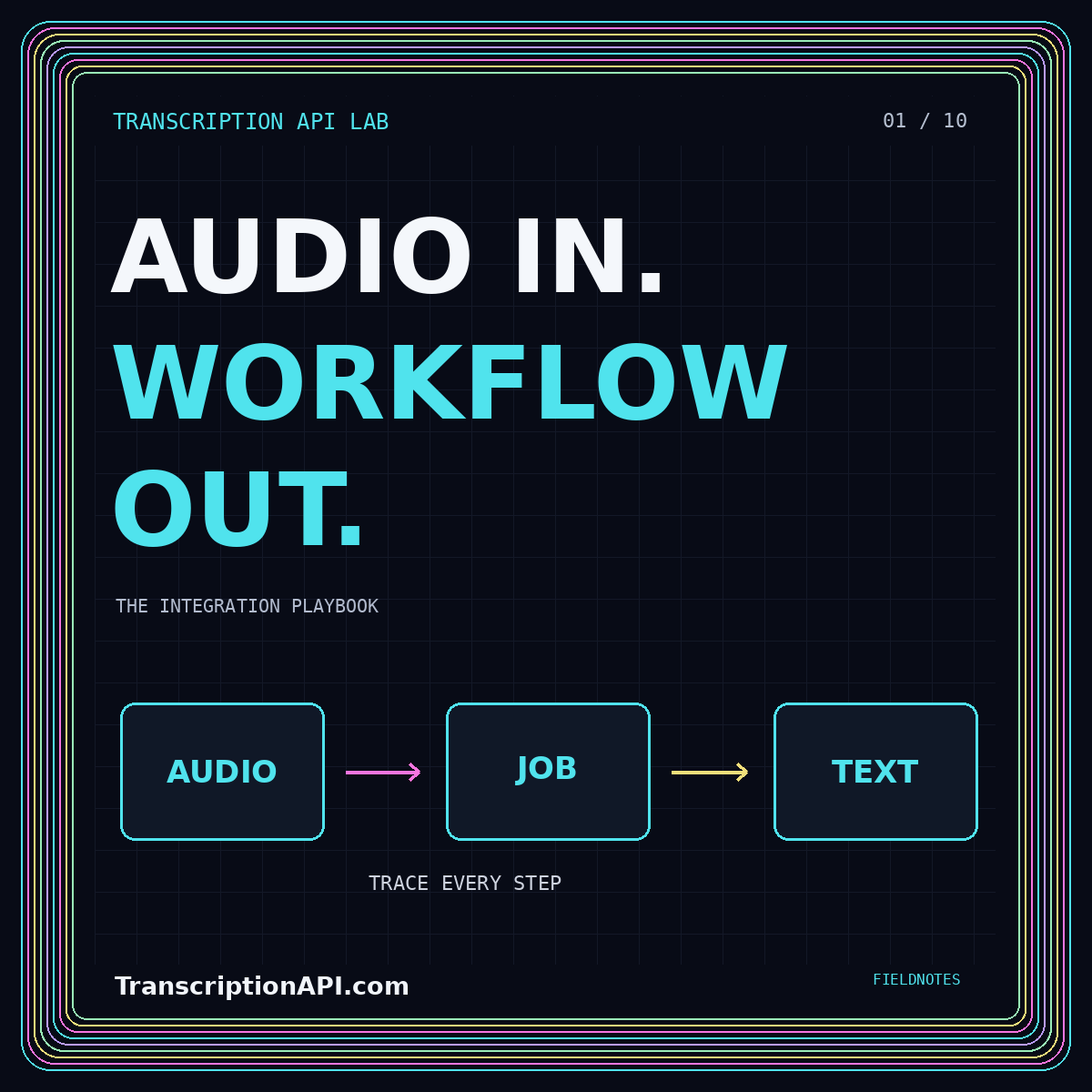
Transcription API integration: from audio to a recoverable workflow
Design durable jobs, clear response contracts, bounded retries, and a review step that keeps every transcript traceable.
Read the field guide01 / API ENGINEERING
Build the workflow.
Not just the request.
A transcription API turns recorded or streamed speech into text your application can use. The useful integration goes further: it preserves the source, tracks processing, and makes every result inspectable. Start with a bounded workflow before adding more languages, formats, or real-time features.
Read the complete field guideA search index, a caption editor, and a meeting archive need different output contracts. Decide whether the application needs plain text, timed segments, speaker labels, or a combination. Represent unavailable information explicitly instead of filling fields with guesses.
Write an acceptance example before choosing a provider. Include the source asset, processing state, language, and transcript version. Keep provider-specific fields inside an adapter so the rest of the application can work with a stable internal representation.
Give a recording a stable asset identifier and each processing attempt a separate job identifier. Preserve the relationship between them when a job fails or is intentionally rerun. An interrupted browser connection should not erase the status of an accepted recording.
Use bounded retries for transient failures and return permanent validation failures to the intake step. Track duplicate submissions and callbacks. Publish only from an approved result version, rather than treating every completion notification as permission to overwrite the current transcript.
Keep the raw recognition response distinct from normalized segments and human corrections. That separation helps explain whether an error came from recognition, an adapter, or editing. Store just enough operational context to troubleshoot without placing complete private transcripts in general logs.
Define what completion means at every stage. Recognition complete, review ready, and approved for publication are different outcomes. Use those distinctions in the interface and in downstream processing so that a draft does not quietly become an authoritative record.
Primary reference: Google Cloud recognition overview. Provider-specific details should be checked against the version and configuration you use.
MAKE THE CHOICE EXPLICIT
Use a durable job record and a collection mechanism that matches the provider. Test interrupted uploads and duplicate completion events.
Handle provisional text separately from finalized segments. Define how a session ends and how interruptions are represented.
Preserve timing, language, and version information needed by the destination. Validate the rendered output, not only the response.
No. TranscriptionAPI.com is an independent developer reference. The examples describe integration patterns; choose and configure a recognition provider or local runtime for actual processing.
No. Inspect the selected provider’s documented output. Your adapter should distinguish optional or unsupported timing, speaker, and confidence information rather than assuming a universal schema.
KEEP EXPLORING
Design durable jobs, clear response contracts, bounded retries, and a review step that keeps every transcript traceable.
Read the field guide
Use a transparent hypothetical model to compare recognition, retries, storage, and the time spent reviewing results.
Read the field guide
Design source-linked answers, permission-aware retrieval, and an explicit boundary between speech and action.
Read the field guideHave a correction, a topic suggestion, or a workflow worth exploring?