When a voice transcription API produces an unexpected sentence, the recognizer is only one place to investigate. The recording might be clipped, incorrectly described, converted unnecessarily, or missing one side of a conversation. A disciplined audio boundary makes those problems easier to identify before you spend time changing model settings or rewriting the surrounding application.
This guide proposes a practical intake and diagnosis process for calls, dictation, and voice notes. It does not prescribe one universal format or microphone setting. Your selected provider's requirements and your actual recordings should determine those decisions. Start with the Voice Transcription API overview to define the use case, then establish a baseline before making changes to the signal.
Inspect the recording you actually received
Begin by listening to several parts of the original file, not only the first sentence. Check the beginning, a quiet passage, a loud passage, and the end. Is the complete conversation present? Does the recording contain long silence or background media? Is the speaker distant? These observations form a useful diagnostic record even before any automated analysis is available.
Read the media metadata with an appropriate inspection tool in your development environment. Note the container, codec, sample rate, channel count, duration, and file size. Compare those properties with the information your upload pipeline stores. Do not assume that a browser recording, a downloaded attachment, and a telephony export share the same characteristics just because they use a similar filename.
Distinguish the container from the encoding
The container describes how media and metadata are organized; the encoding describes how the audio signal is represented. Google's audio encoding documentation explains that distinction and documents the encodings its service accepts. It also explains how sampling and compression relate to audio representation. Use the selected provider's current documentation to determine the actual request configuration rather than guessing from a filename extension.
In your own intake record, store the discovered properties separately from the user's declared file type. If they disagree, stop and investigate. A clear validation message is more useful than silently submitting a malformed request. Where your media library can inspect a file safely, validate the contents before conversion and again after conversion so that you can detect unexpected changes.
Avoid conversion without a reason
Every preprocessing step should answer a documented need. Perhaps the provider does not accept the original codec, or your application requires a consistent channel layout. Those are concrete reasons. “We always convert everything” is not an evaluation result. Preserve the source file and record the conversion command or library settings so that the transformation can be repeated and inspected.
Build a small comparison using original and converted versions of the same permitted recordings. Keep the recognition settings fixed. Review the differences in output and any changes in completion time. Do not infer improvement from a larger file size or a more familiar format. A useful conversion is one that satisfies the input contract without introducing an unacceptable change in the resulting transcript.
Preserve channels until their role is clear
A two-channel recording may carry separate participants, a stereo scene, or two copies of the same mix. Listen to each channel independently before deciding what to do with it. If one channel contains a caller and another contains an agent, combining them changes the information available to the rest of the pipeline. Keep the original layout documented even when a processing copy is mixed down.
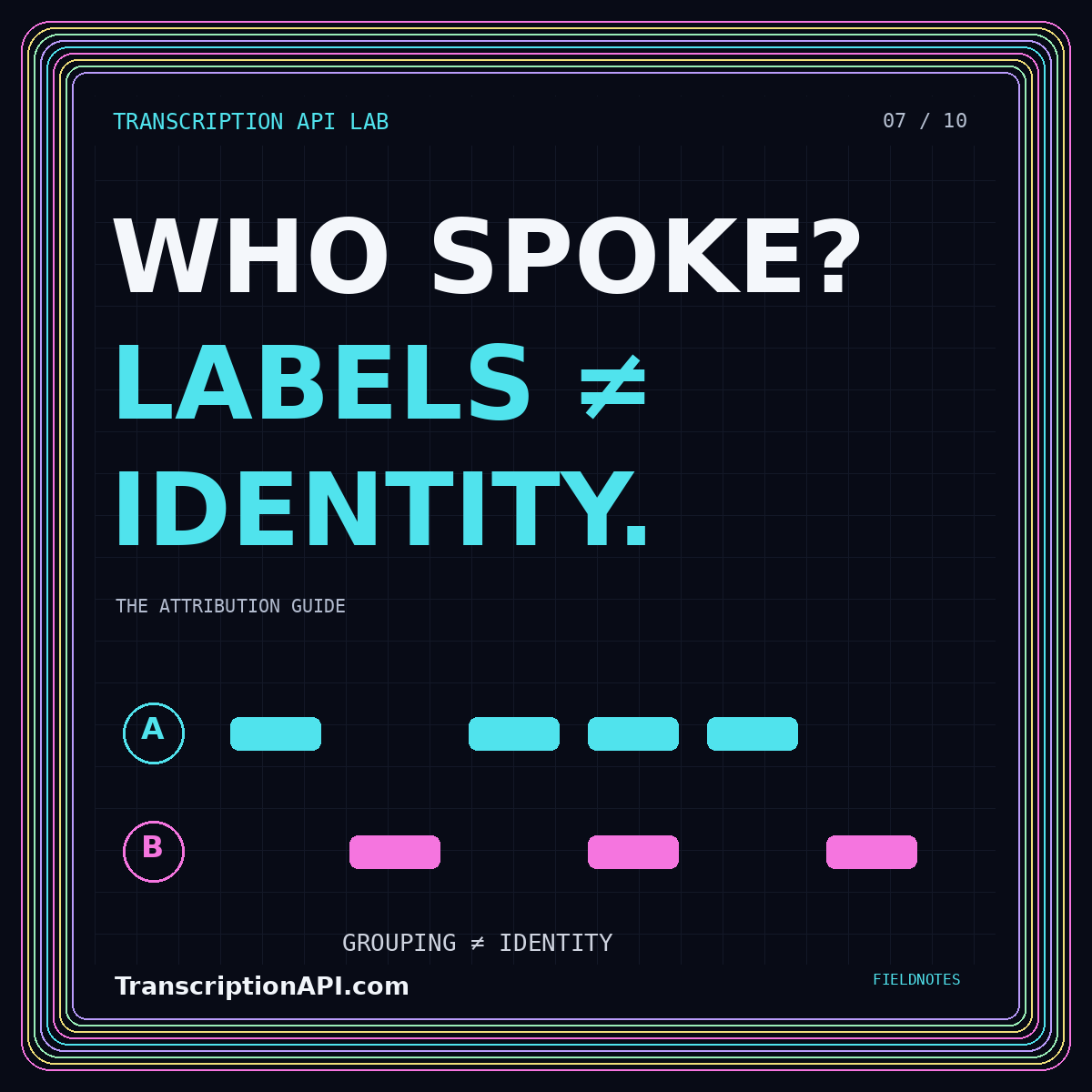
Do not assume that a channel is a verified person. Device routing can change during a session, and a channel can contain several voices. Your application should distinguish channel metadata from speaker labels and confirmed participant names. The speaker diarization guide explores these distinctions and suggests a schema that avoids treating an audio grouping as proof of identity.
Check clipping and quiet speech separately
Listen for distortion around loud syllables and for words that fade below the surrounding noise. Those are different problems and should not receive an identical response. Keep notes about where the issue occurs. A recording that starts clearly can become unusable when someone moves away from a microphone or another sound begins in the room.
For future recordings, test your capture setup under realistic speaking conditions before choosing input levels. For existing recordings, compare any proposed level adjustment against the original. Do not promise that amplification will recover information that was never captured clearly. When the source remains ambiguous, carry that uncertainty into the review interface rather than allowing a cleaner-looking waveform to imply certainty.
Treat denoising as an experiment
Noise reduction may alter more than the unwanted sound. Evaluate a processing setting on examples with quiet consonants, overlapping voices, and different background conditions. Have reviewers compare the transcript against the original recording, not only the processed audio. A pipeline that removes an uncomfortable background sound but also obscures a word has not necessarily improved the transcription task.
Keep the processing configuration version with every job. This makes it possible to separate a model regression from a preprocessing regression. Introduce new settings on a bounded test collection before applying them to an entire archive. A reversible processing copy gives you room to change your approach without losing the material needed to understand earlier results.
Handle silence without confusing it with failure
Define what your application means by no recognizable speech. It should be different from a transport error, an unsupported file, or a job that is still running. If a recording is mostly silence, inspect the source and request settings before concluding that recognition is broken. Store an explicit outcome that allows the user or reviewer to understand what happened.
Be careful when removing silent sections from long recordings. Any transformation that shortens the timeline needs a mapping back to the original timestamps. Without that mapping, a transcript link can jump to the wrong part of the source. For a first implementation, preserving the original timing may be simpler and safer than trimming aggressively and reconstructing offsets later.
Build a repeatable diagnostic sequence
When a transcript looks wrong, inspect the source, then the processing copy, then the request configuration, then the raw provider response. This sequence helps isolate where the difference appeared. Compare language settings with the language actually spoken, and confirm that the audio properties match the request. Change one variable at a time so that a successful rerun has an explainable cause.
Keep a short troubleshooting record for each important failure: asset identifier, symptom, affected interval, observed media properties, attempted change, and outcome. Avoid putting private speech into an unrestricted ticket or log. A well-scoped excerpt or synthetic test recording may be enough to reproduce the technical issue without copying an entire conversation into another system.
Design capture guidance users can follow
Translate your findings into a few specific instructions rather than a long list of technical requirements. For example, ask users to make a short test recording, confirm that every participant is audible, and avoid covering the microphone. Present format limits before an upload begins in the actual application. This website is a guide; it does not collect recordings or run a transcription service.
Offer an understandable next step when a recording fails validation. Explain whether the user should choose another file, export in a documented supported format, or review the audio for missing speech. Do not repeatedly ask them to submit the same unusable source. Make the rejection reason precise enough for support to distinguish a product limitation from a temporary processing incident.
Conclusion: improve the evidence at the boundary
Audio quality work is most useful when it is observable and reversible. Inspect real recordings, preserve originals, document conversions, and compare changes against a stable baseline. Separate channel routing, source ambiguity, and recognition behavior instead of treating every error as a model problem. The result is a pipeline that gives developers better diagnostics and gives reviewers a more honest account of what the recording can support.